• Exclusive Deals!

    [Promotion] Cyber Weekend

    View details
  • New Customer Support Platform

    [Guide] How to Send a Ticket?

    View details
  • Introducing: Spring Options Changers

    [UPDATE] Grabbit - All Spring Edition!

    View details
  • A Greater Experience!

    [Boost] Buff Up X5

    View details
  • Introducing [Nature] Auras!

    [UPDATE] Lucky Rascal Coin

    View details
  • Cherry Petals are Falling All Around!

    [System Event] It's Meow-ssom Time!

    View details
  • [Valentine's Edition] Seal Blessing

    45% OFF!

    View details
  • [System Event] Level Jump Dark/Light

    A Ton of Prizes For You!

    View details
  • Login Event

    Comeback Campaign

    View details
  • [GM Notes]

    February 2026

    View details
  • [Community Event] Boost Up & Win

    A BIG Prize per Month!

    View details
  • Come and Join Us!

    [NEW!!] Discord Official Server

    View details
  • [QoL UPDATE] Seal Global Finder

    Find Anything!

    View details
  • Make your Cash Costumes stronger!

    Costume Enhancement

    View details
  • New Design & Perks

    [UPDATE] Royal Court Benefits

    View details
Basic Controls

Left click

Left click your mouse to the location you wish to move to.
s Left click your mouse to pick up items.
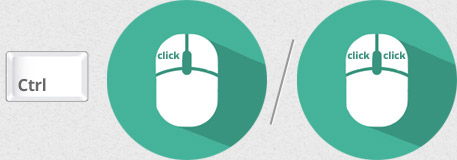
Left click or right+left click

Left click or right+left click your mouse to move your character to where your mouse cursor is. When you click on a different character, your character will follow them.


Right click

Right click
Right click your mouse and move your cursor to rotate the screen
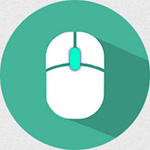
Mouse wheel

Use your mouse wheel to zoom in/out.
When you click the center of your mouse wheel, you'll be facing north.

Left click

Left click your mouse on the monster to attack.
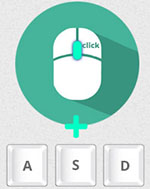
Right click

left click your mouse while you use A,S, or D keys
to use Combo Attack skills.